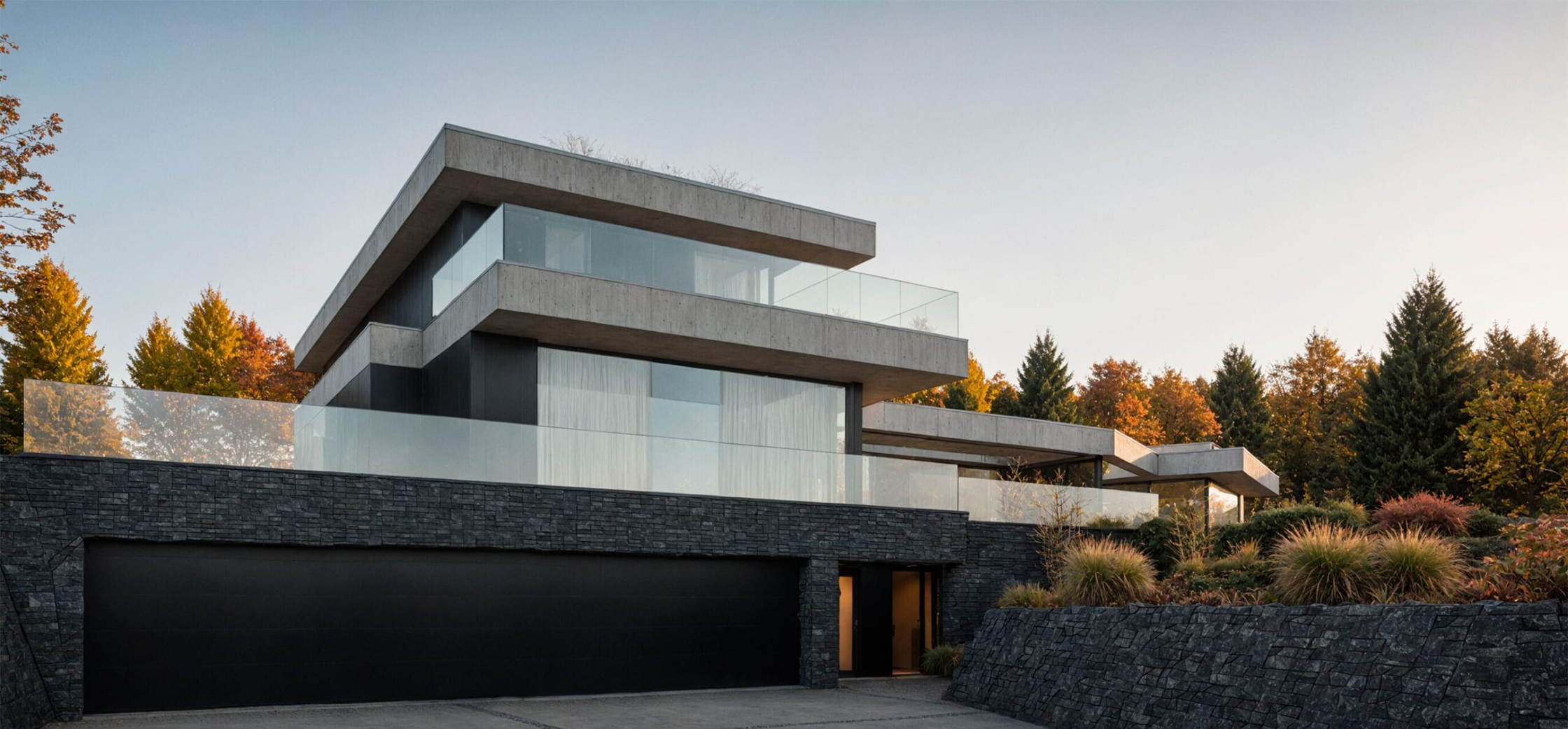
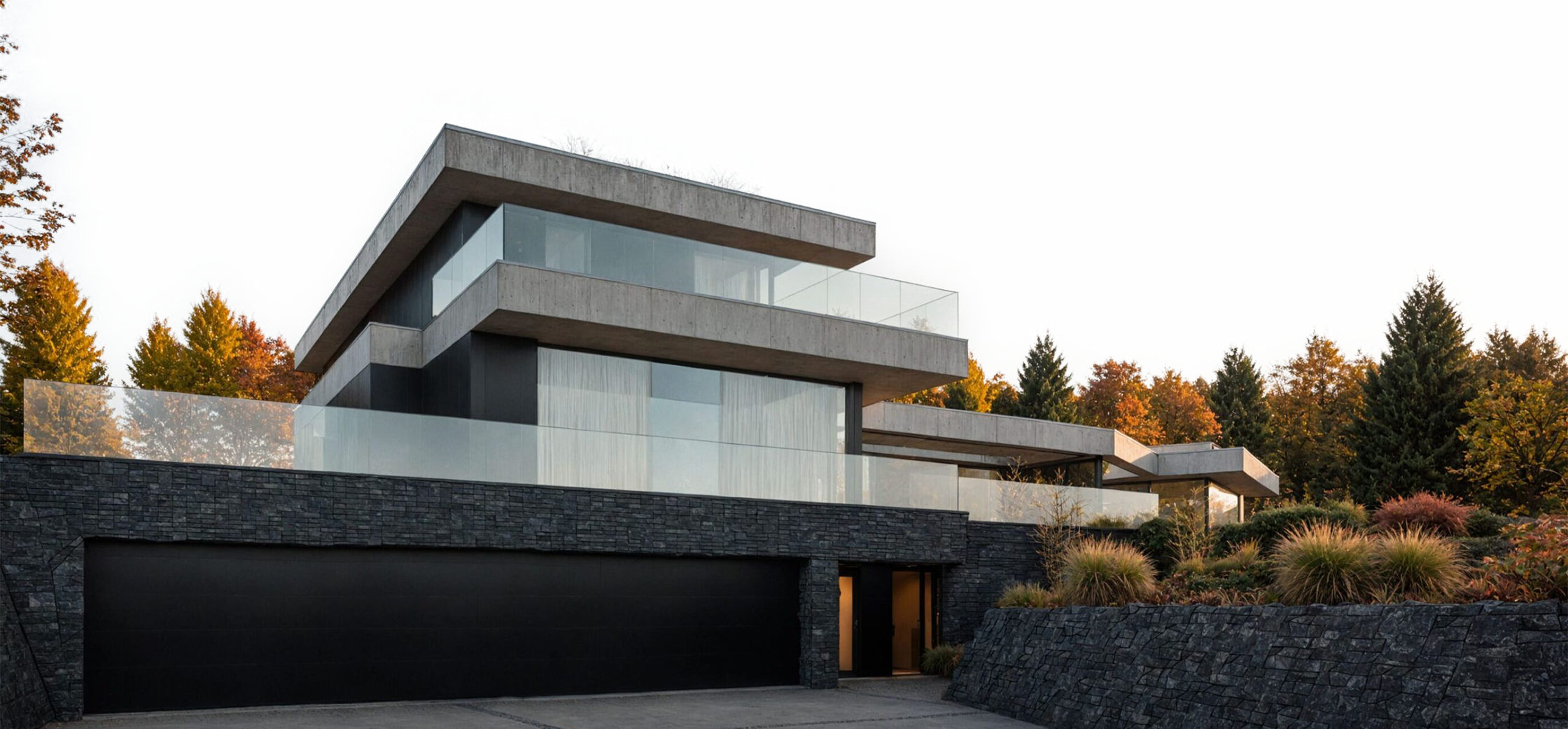
realistic renders, zero effort
Enhance your design to maximum within minutes
Trusted by architects in





Architectural visualization
is essential, but traditional rendering methods come with major challenges.
-
Expensive
-
Time-consuming
-
Skill-intensive
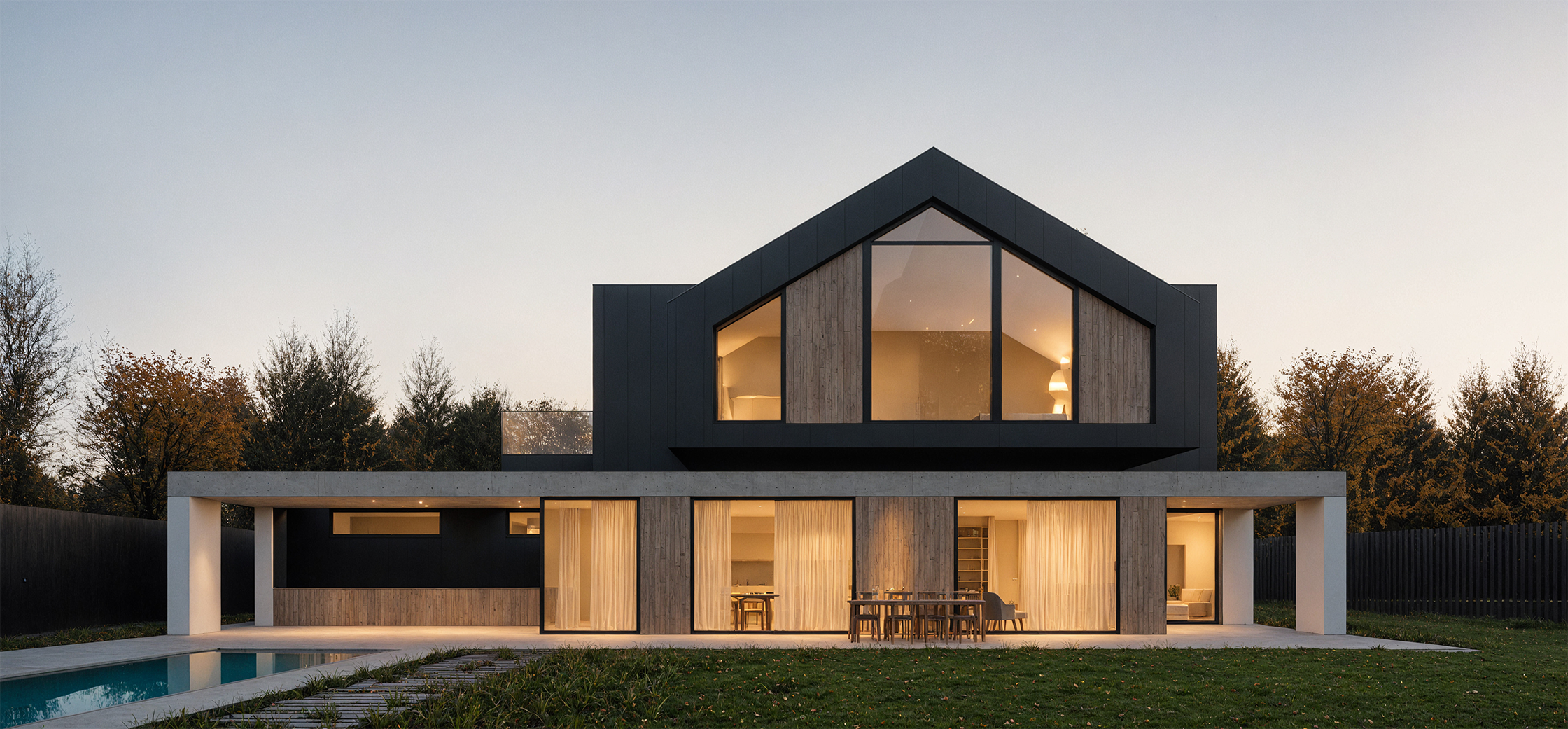
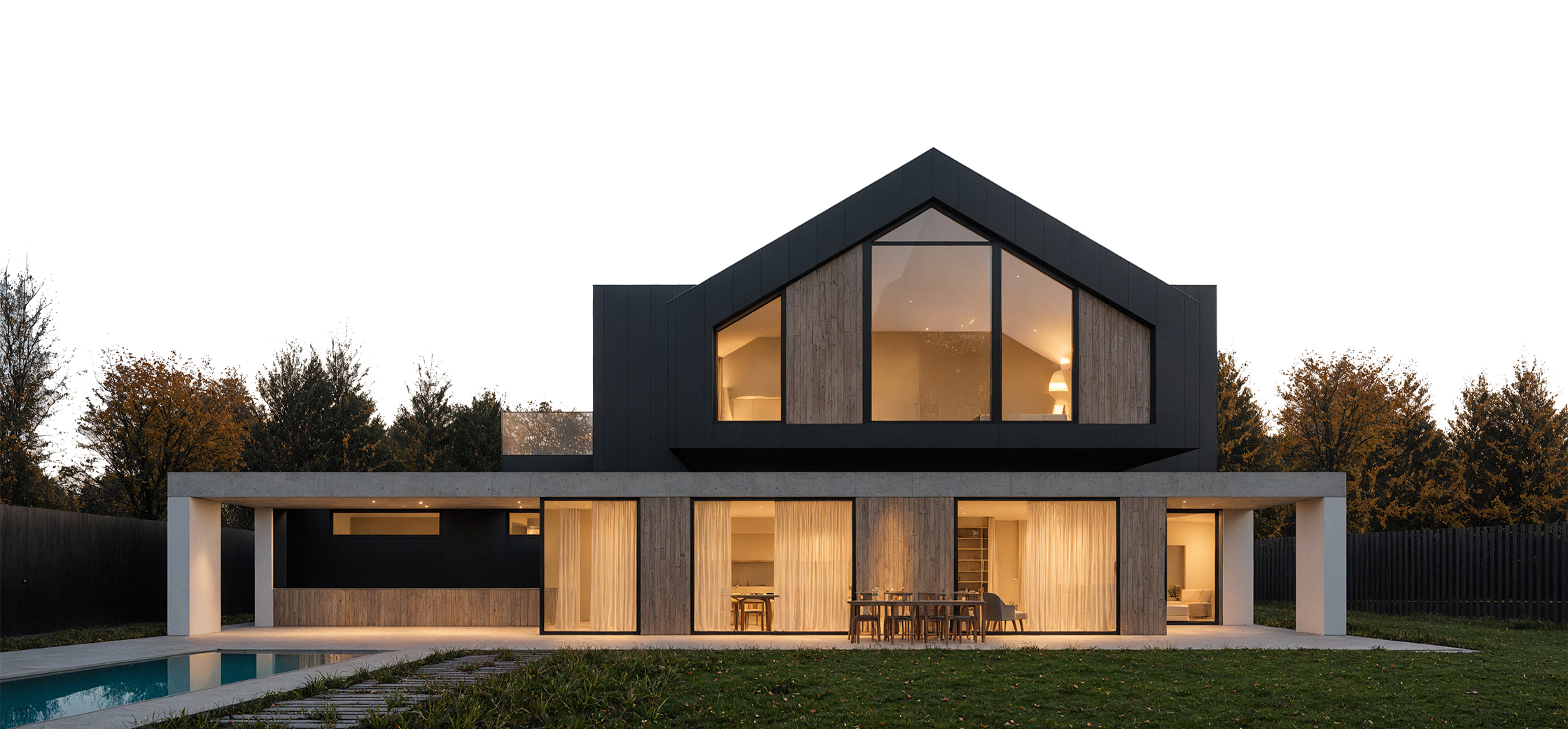
We make rendering effortless while keeping architects in control
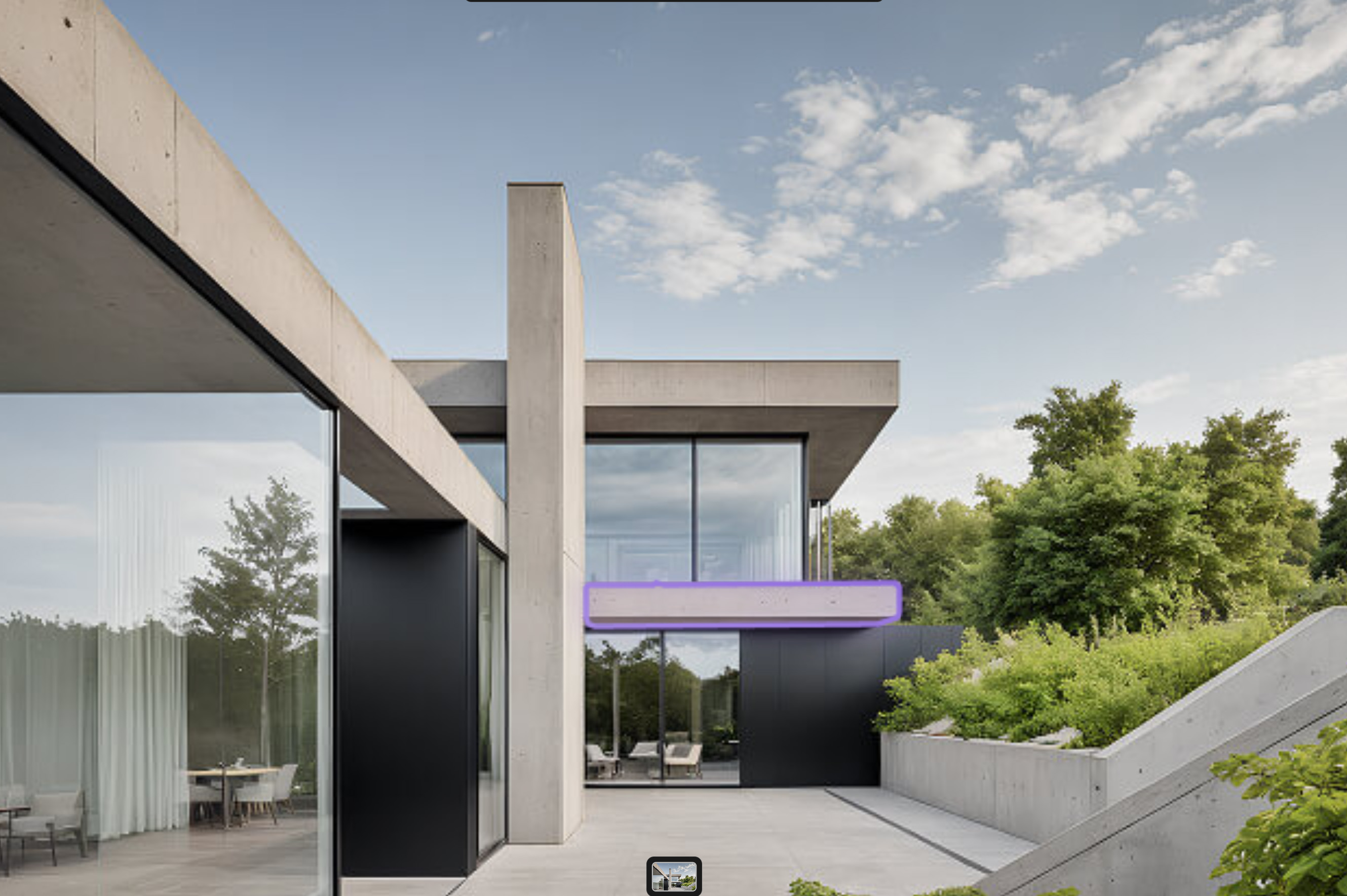
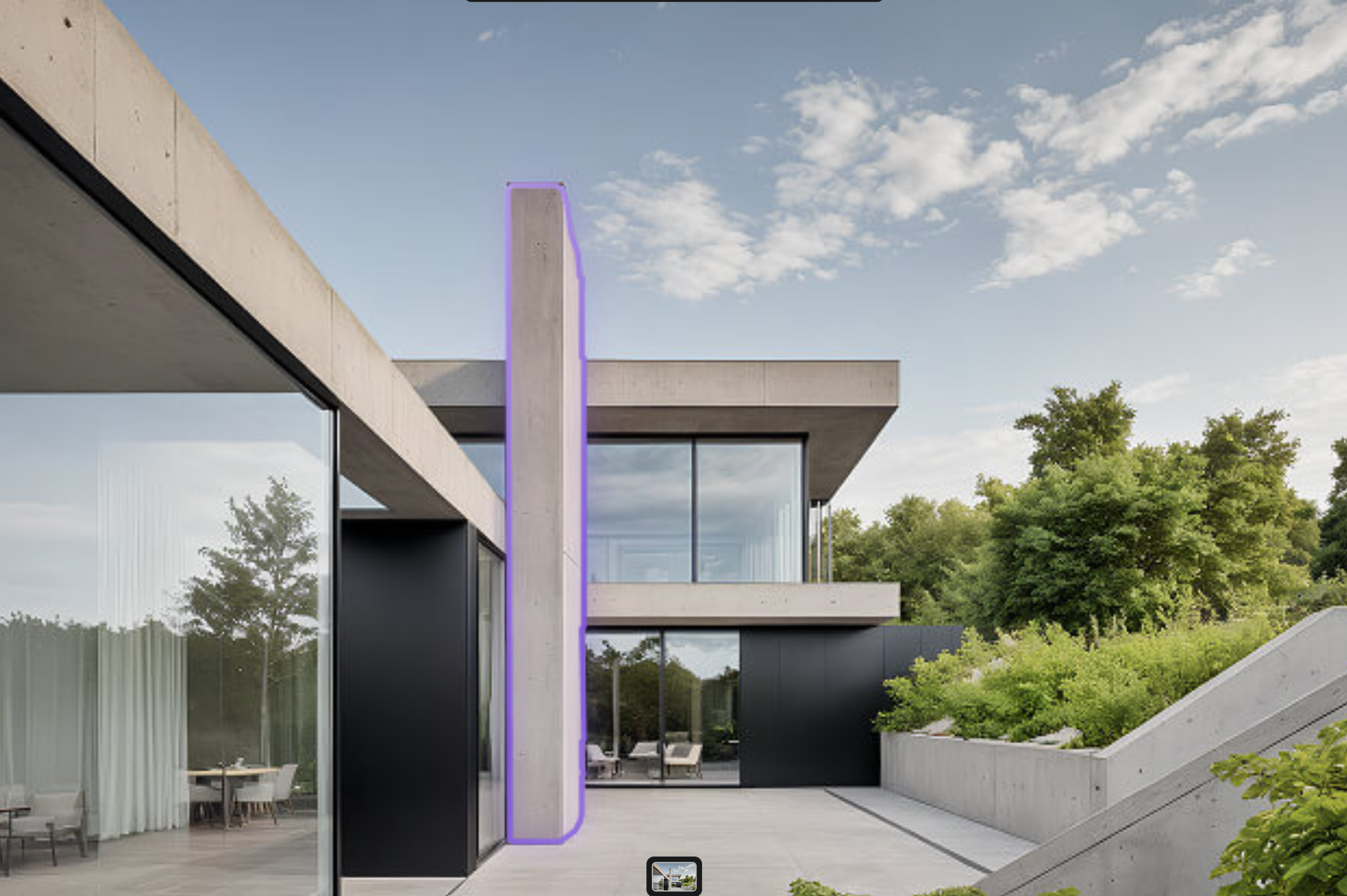
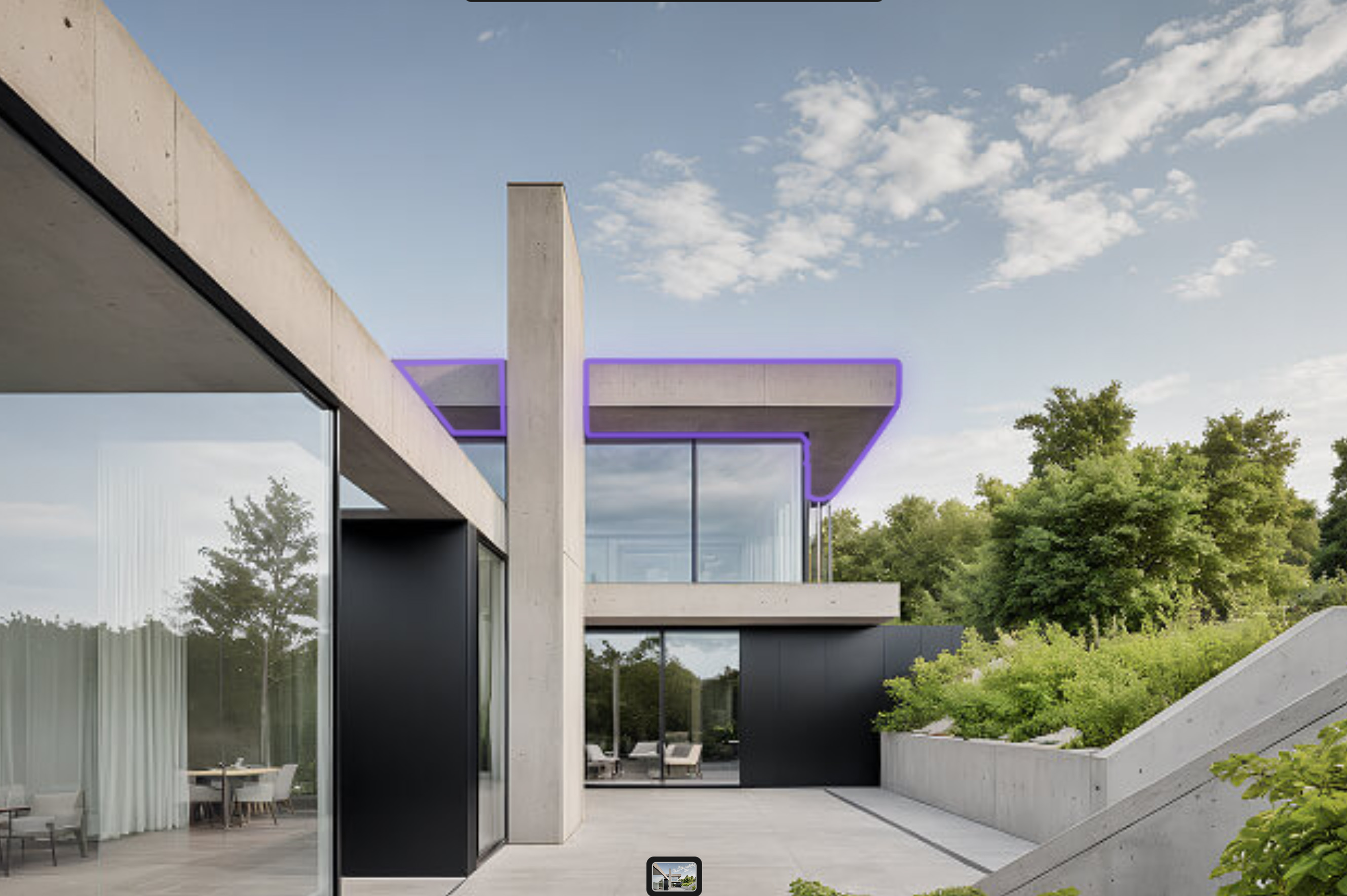
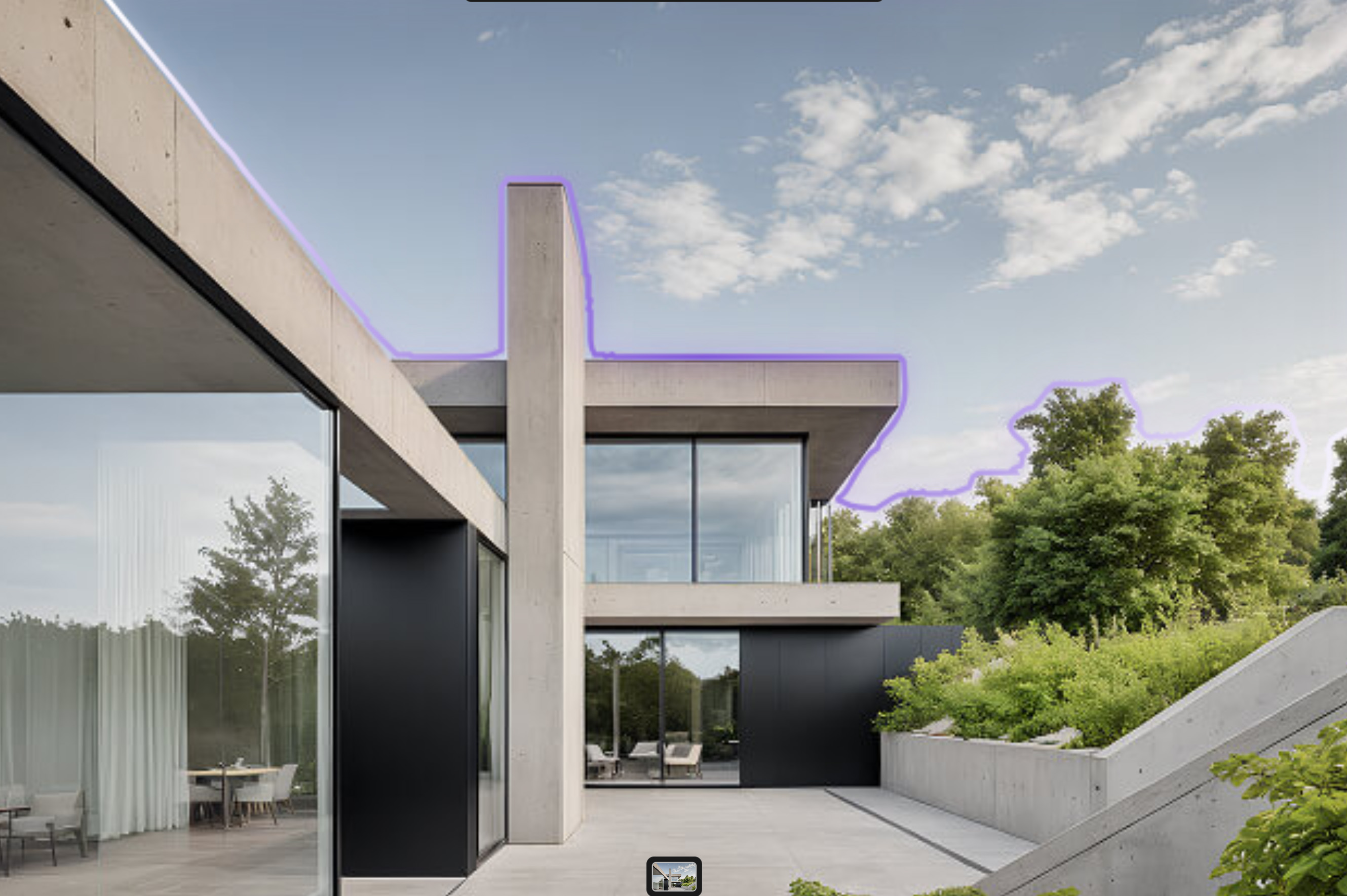
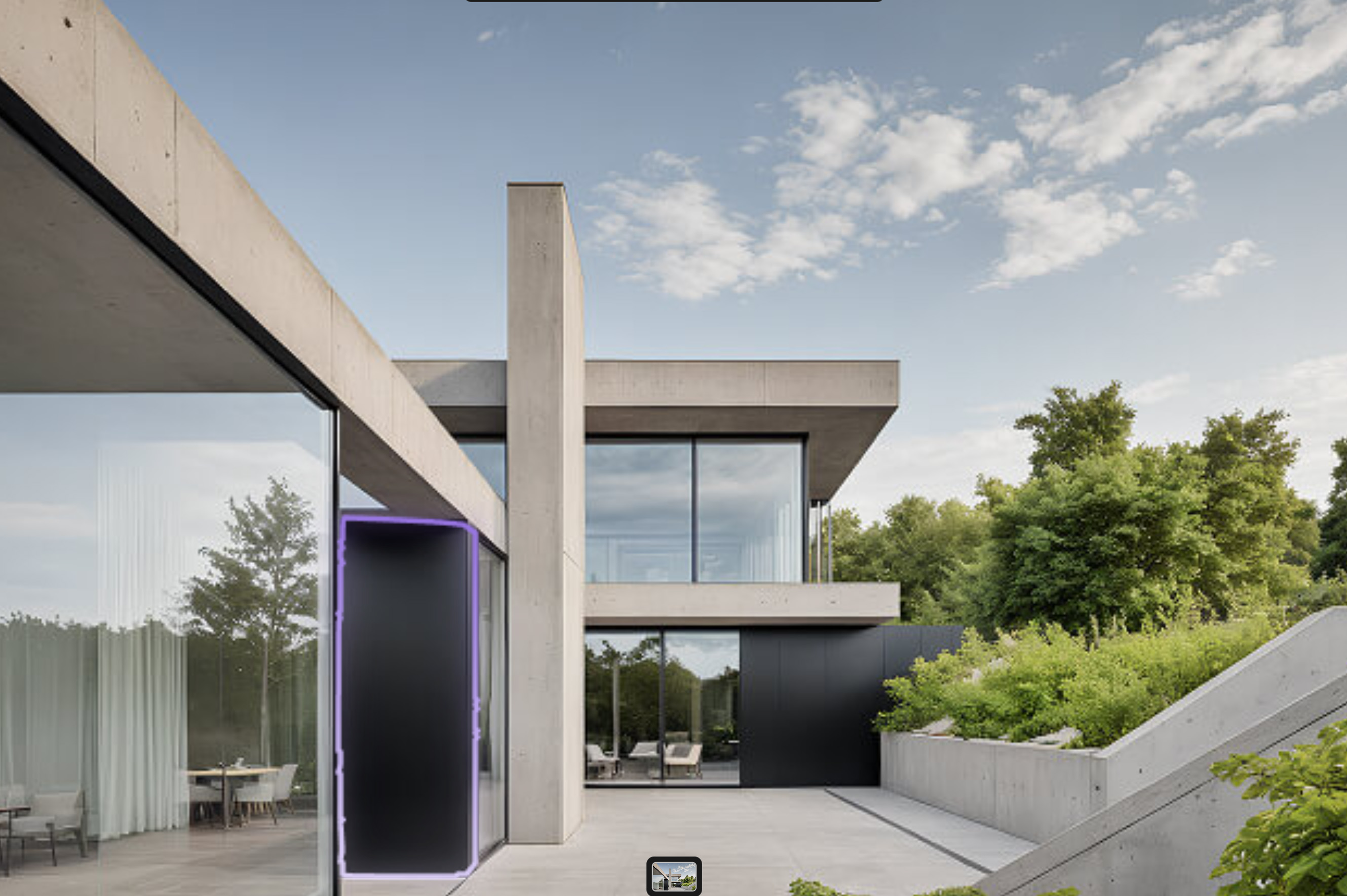
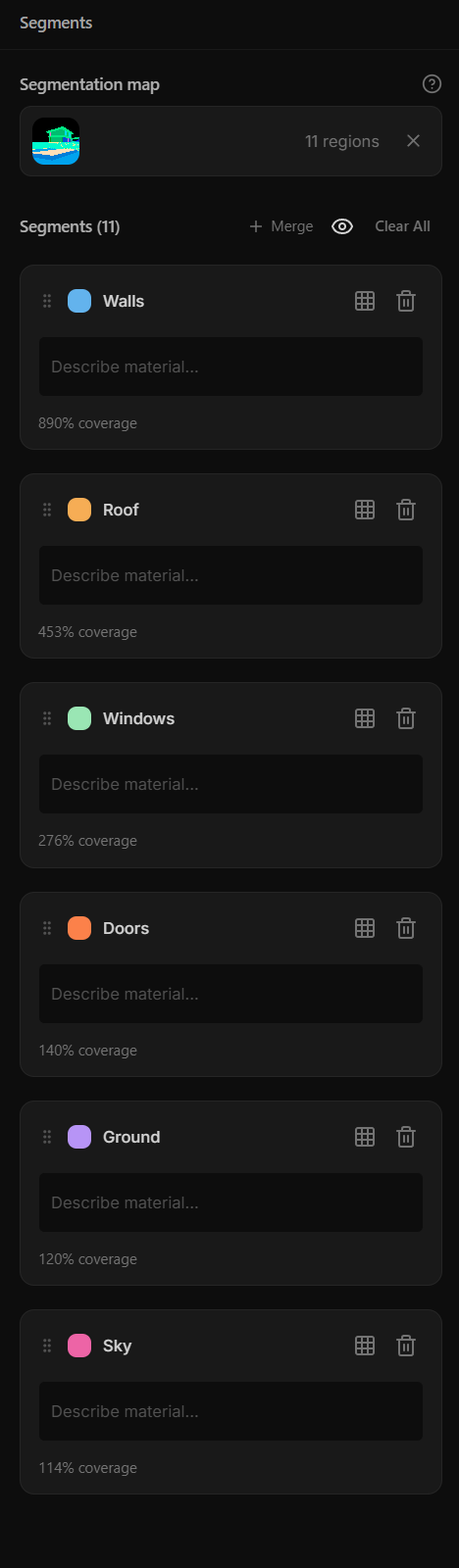
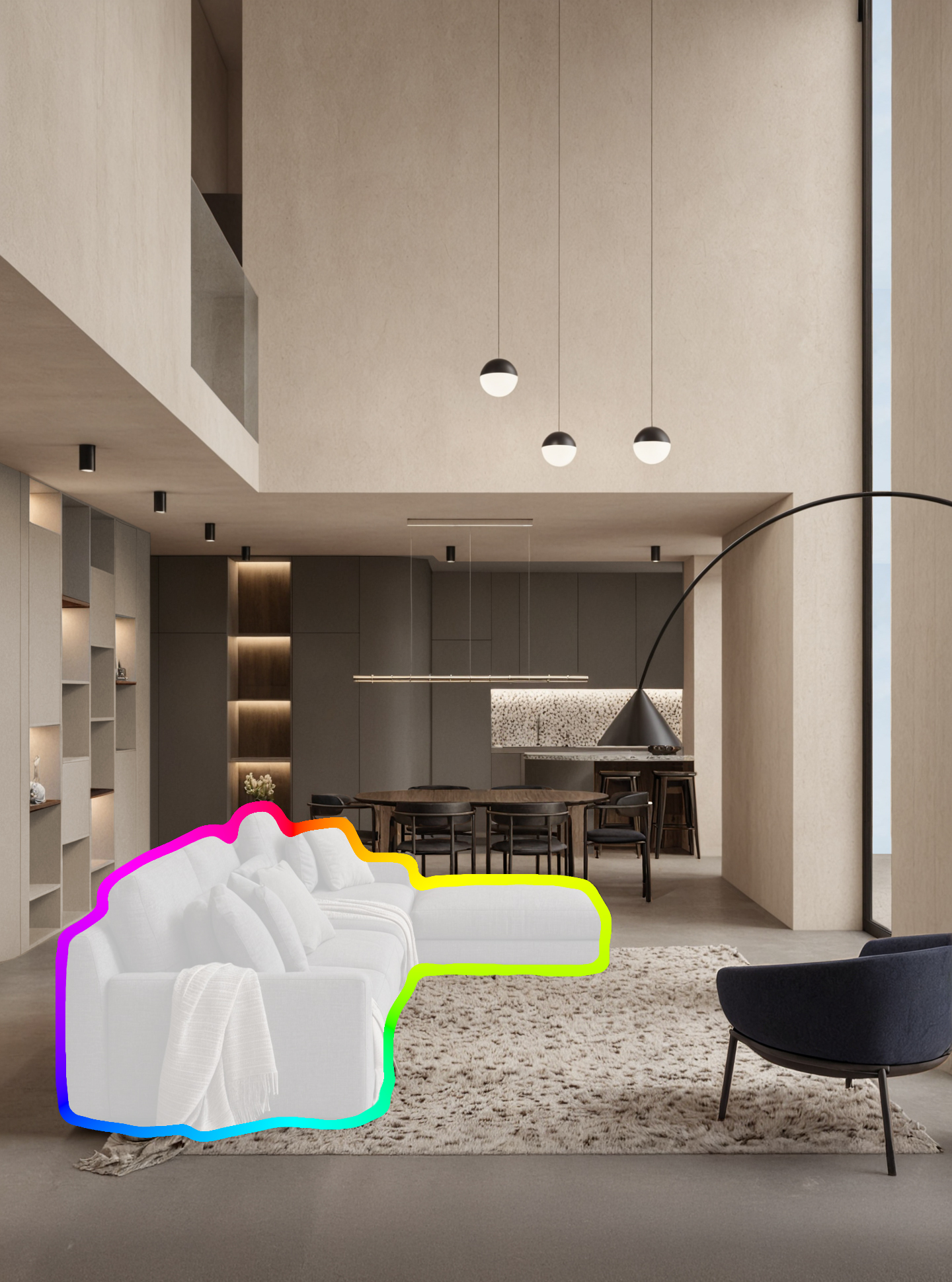
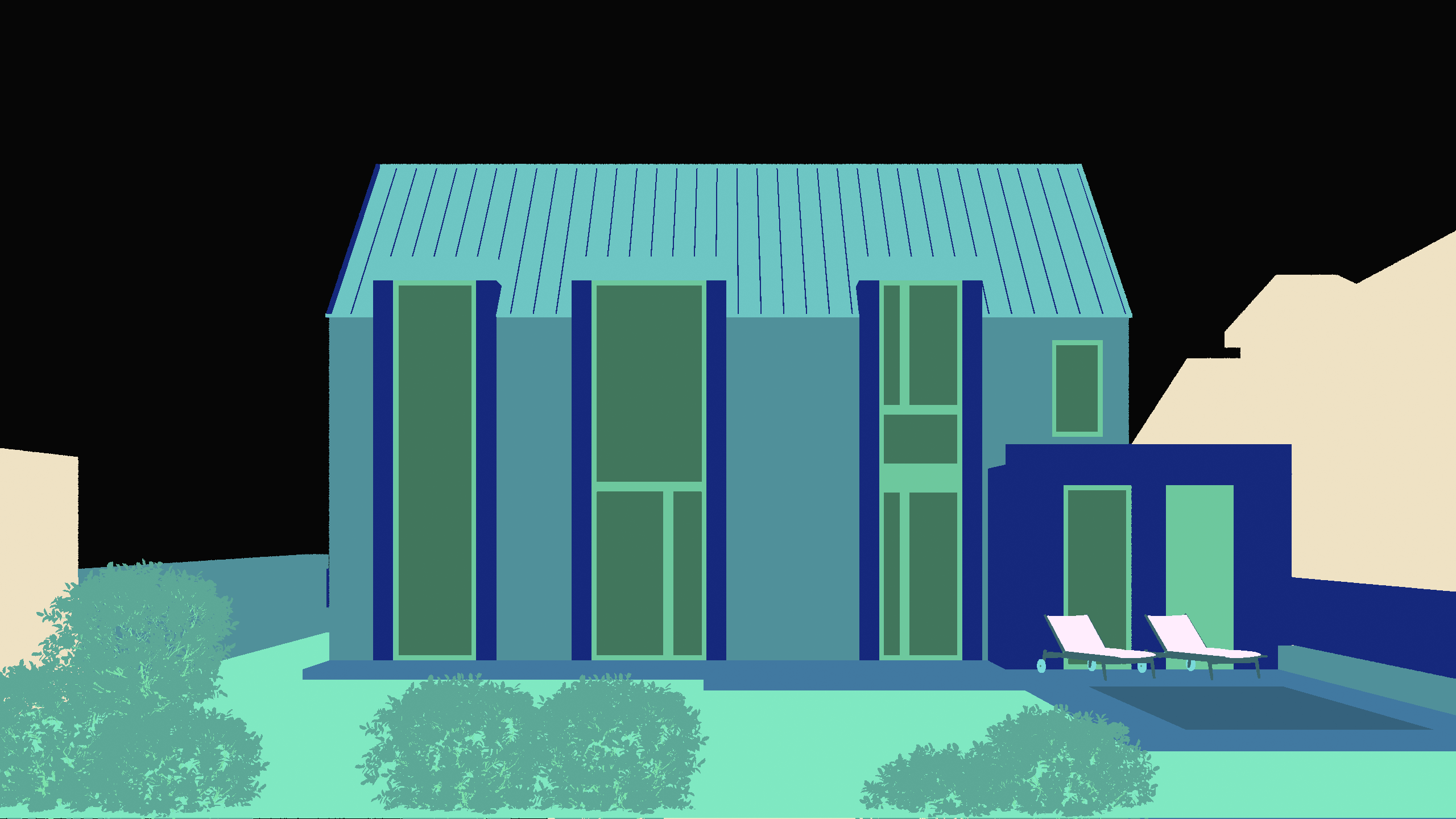
Automatic segmentation detects key parts of your image and makes them editable.
Rerender only selected areas, refine details in place.
Test materials, colors, furniture or greenery without starting over.
-
Edit selected areas
-
Keep the rest untouched
-
Refine details in place
Use your time wisely
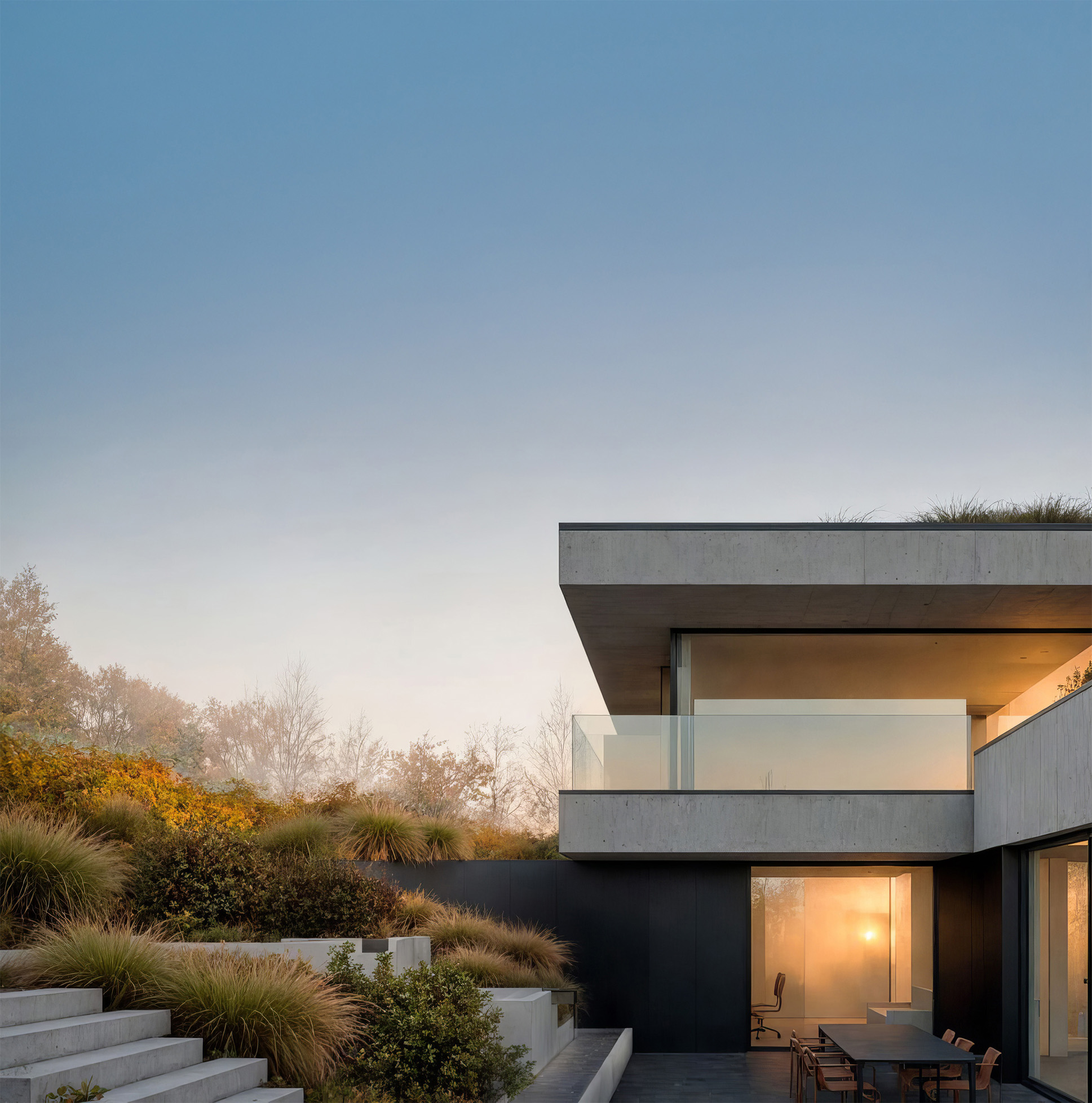
Render final results within minutes
Your vision, instantly rendered.
-
AI generated
-
Time-saving innovations
-
Instant design feedback
Switch between multiple AI engines.
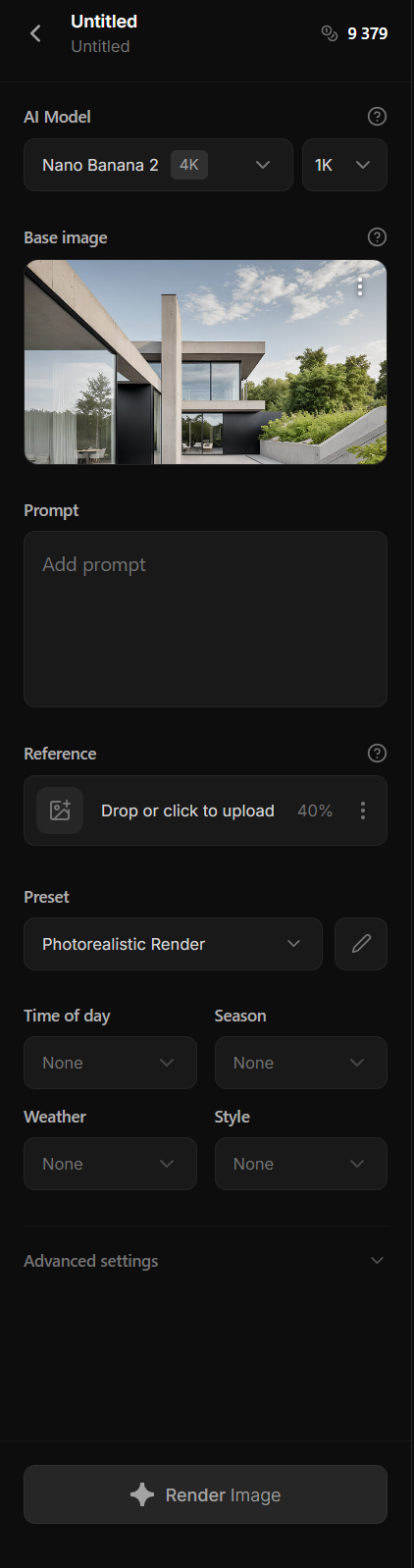
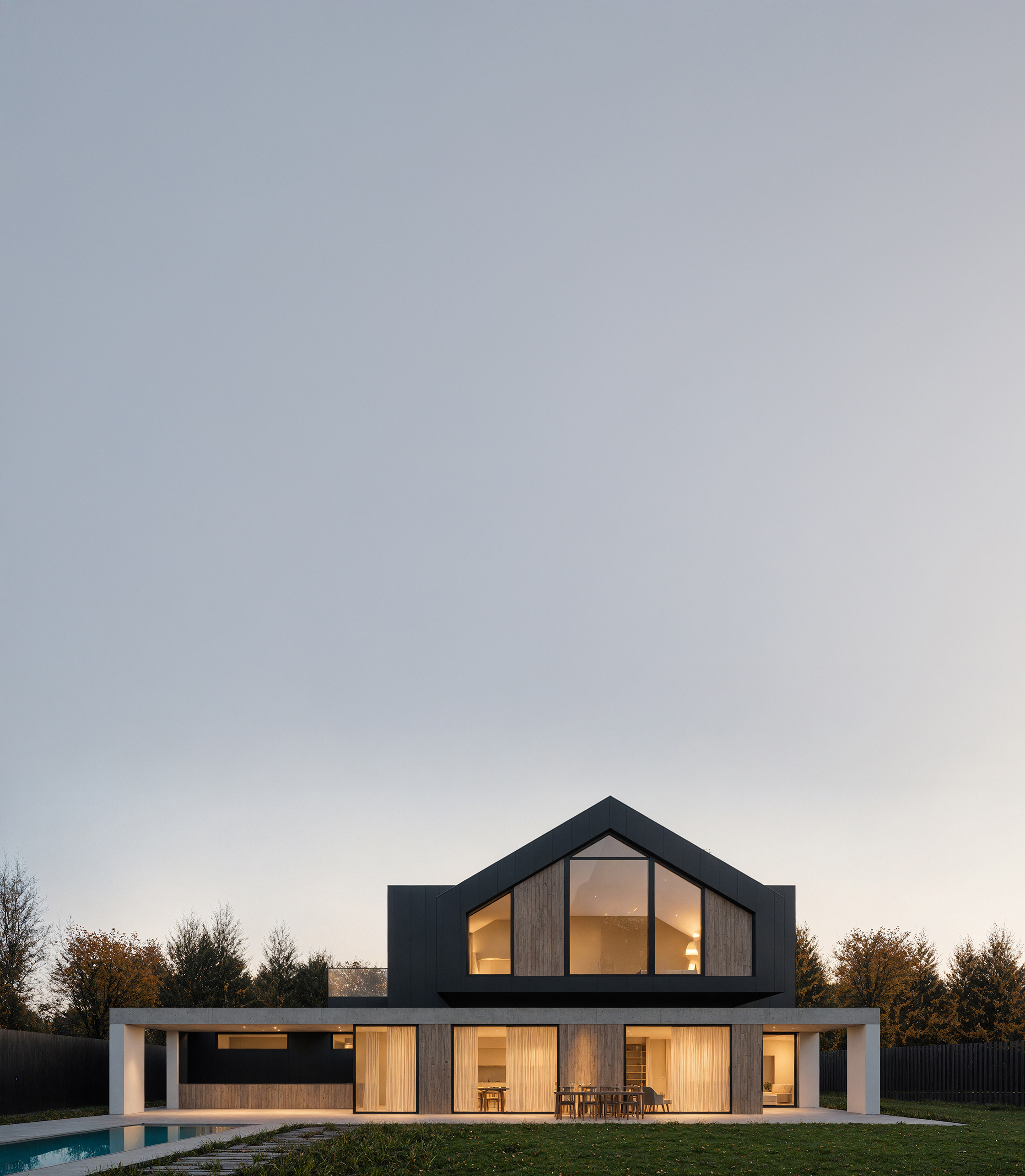
Use Stable Diffusion, Nano Banana 2, Nano Banana Pro, or GPT Image 2 for flexible image generation.
More engines mean more control over quality, speed, and credit usage.
-
Stable Diffusion for volume
-
Nano Banana 2 for speed
-
Nano Banana Pro for refinement
-
GPT Image 2 for flexibility
-
Creative controlKeep full control with automatic segmentation
Automatic segmentation detects key parts of your image and makes them editable.
Rerender only selected areas, refine details in place.
Test materials, colors, furniture or greenery without starting over.-
Edit selected areas
-
Keep the rest untouched
-
Refine details in place
-
-
SpeedSpeed is the key
Use your time wiselyRender final results within minutes
Your vision, instantly rendered.-
AI generated
-
Time-saving innovations
-
Instant design feedback
-
-
EnginesChoose your rendering engine.
Switch between multiple AI engines.
Use Stable Diffusion, Nano Banana 2, Nano Banana Pro, or GPT Image 2 for flexible image generation.
More engines mean more control over quality, speed, and credit usage.-
Stable Diffusion for volume
-
Nano Banana 2 for speed
-
Nano Banana Pro for refinement
-
GPT Image 2 for flexibility
-
There is more how Rendero can improve your architectural renderings
-
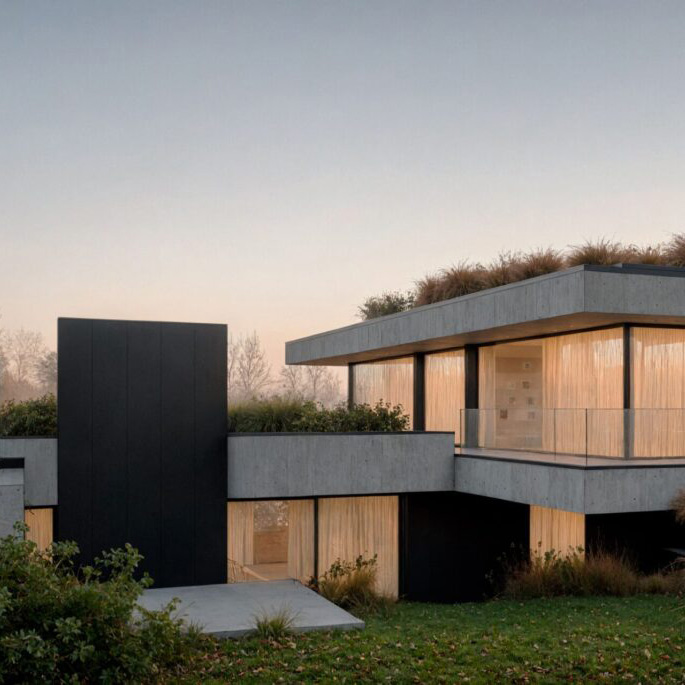
Change time of day or season to get the perfect ambiance
-
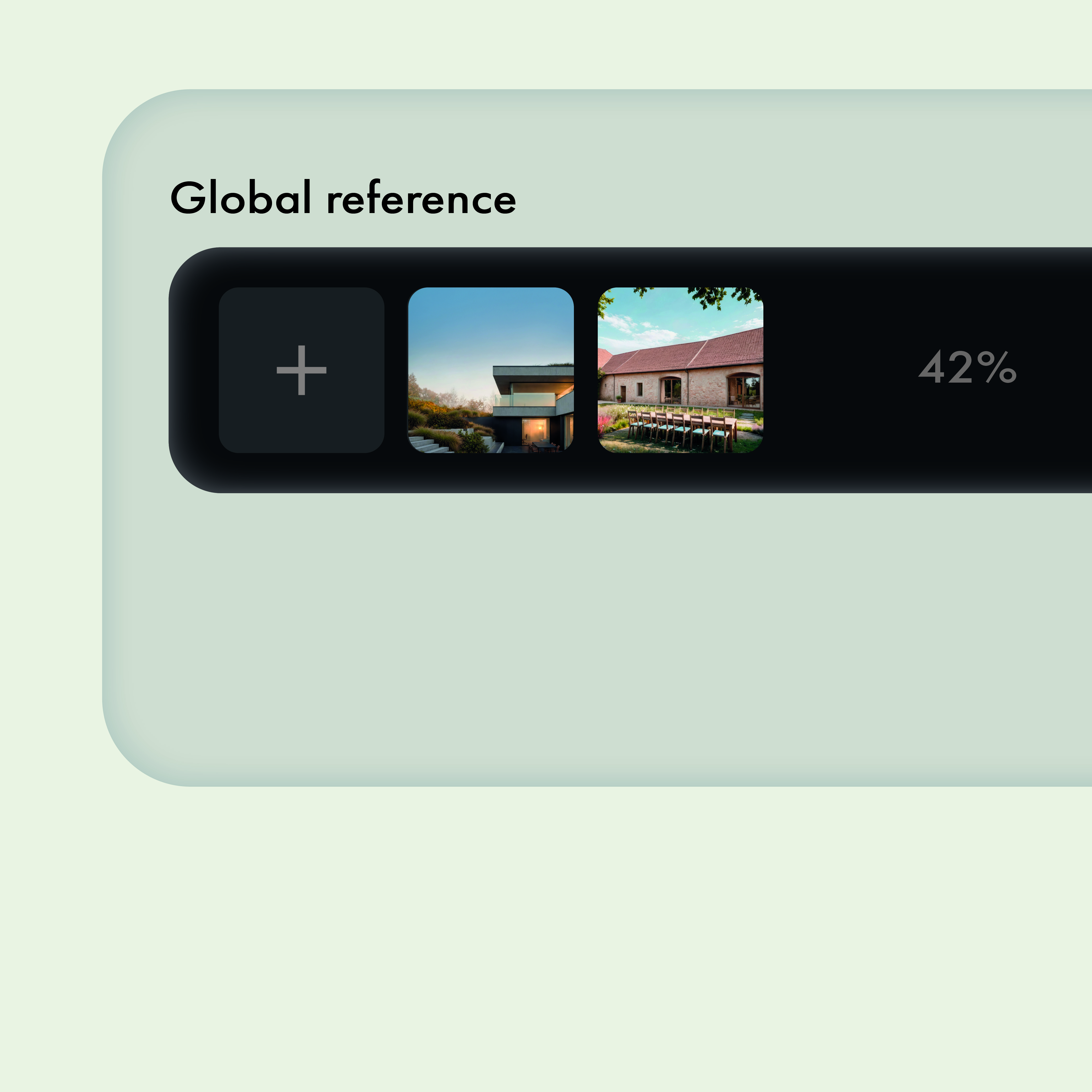
Use reference images to set tone and inspire your vision
-
Automatic segmentation detects editable areas for precise local changes
-

Choose the right AI engine for each rendering task
-
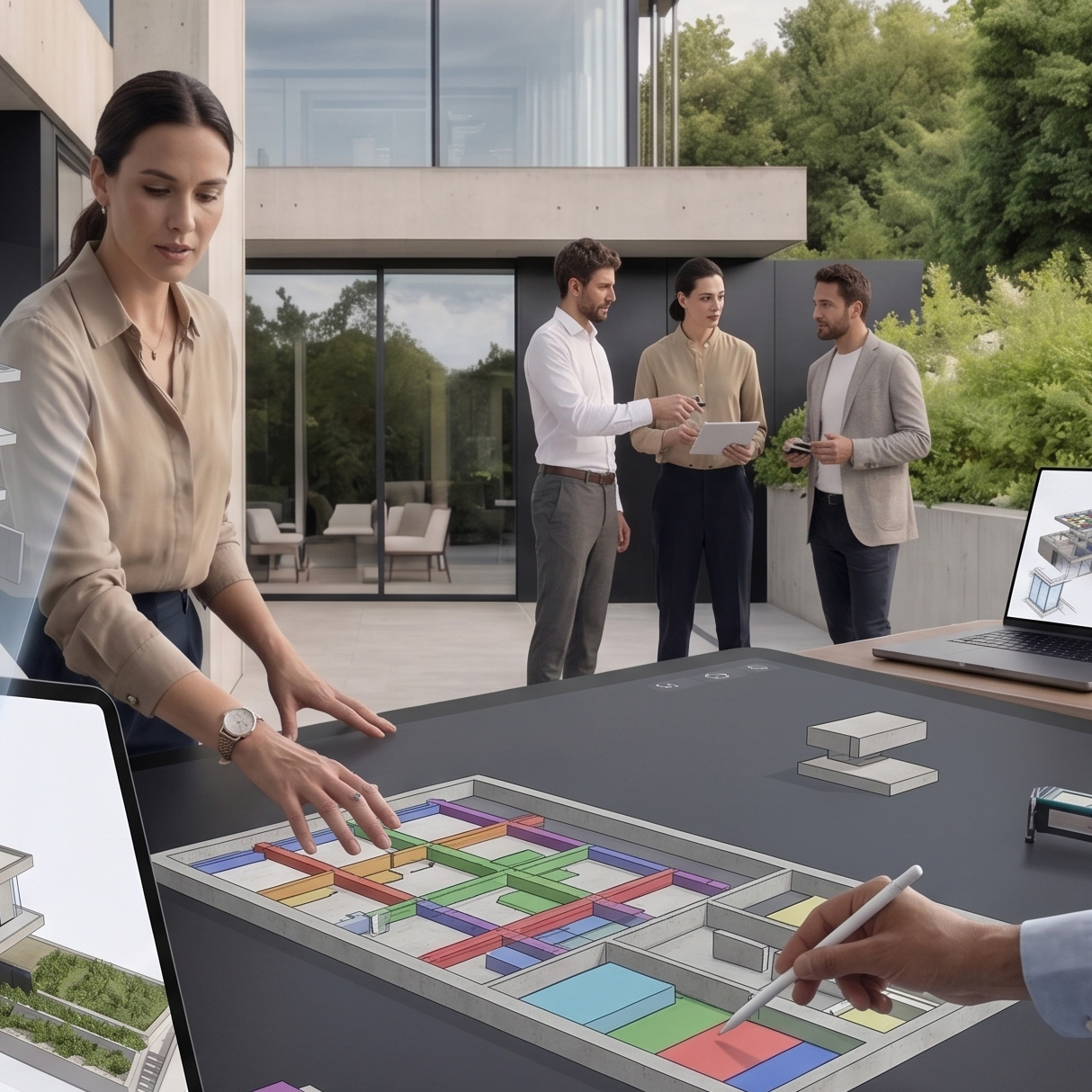
Share projects with your team in an in-app workspace
-
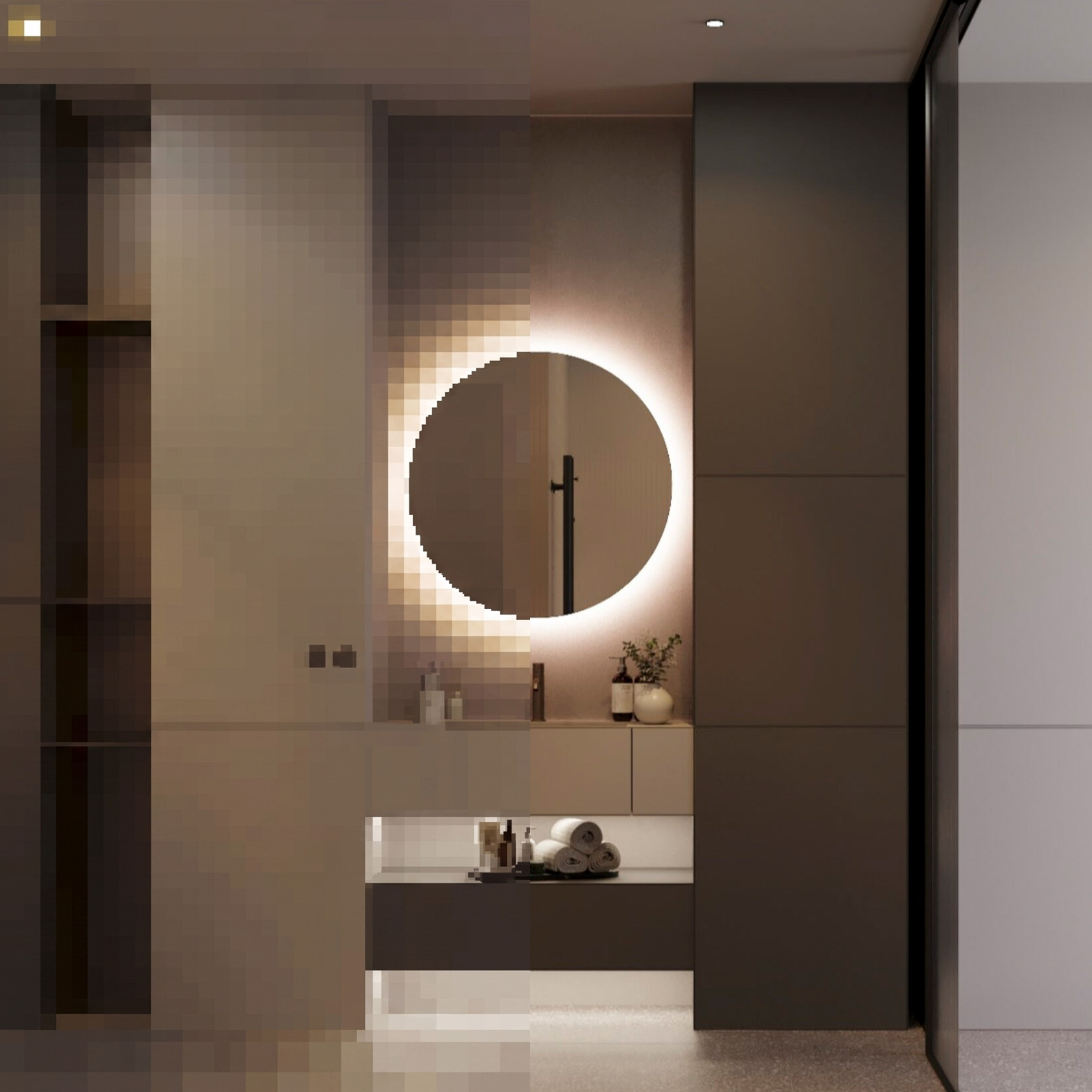
Enhance all details with AI upscaling and export with 4K
Seamless AI Rendering
in 3 Easy Steps
See how Rendero can improve your workflow in minutes. It is intuitive and easy to set up.
-
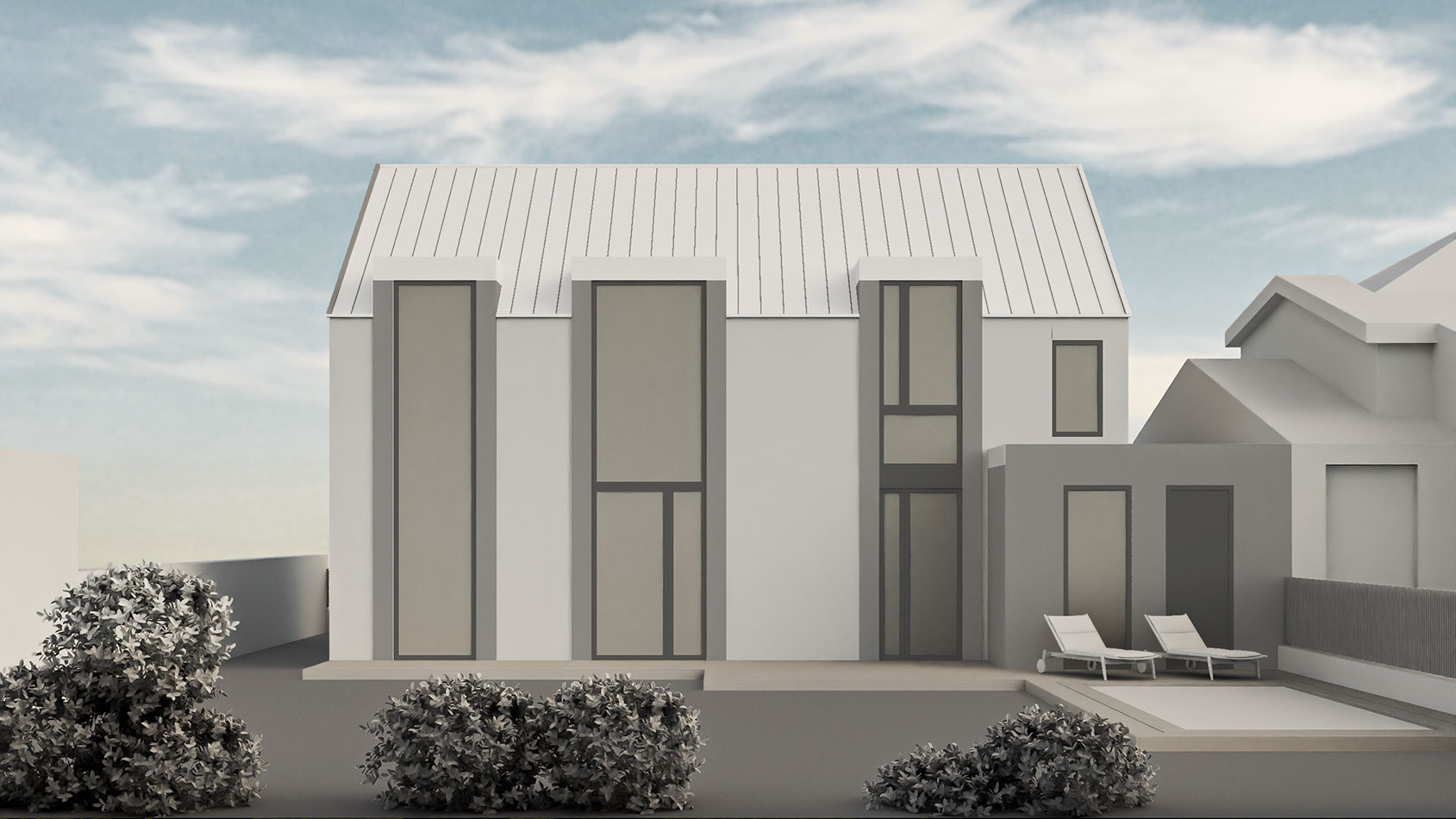
 1Upload base image
Start with anything - Sketch, 3D Model, Visualization or Text. It is up to you.
-
 2Start AI rendering
Render and fine-tune with maximum control - no AI unexpected surprises.
-
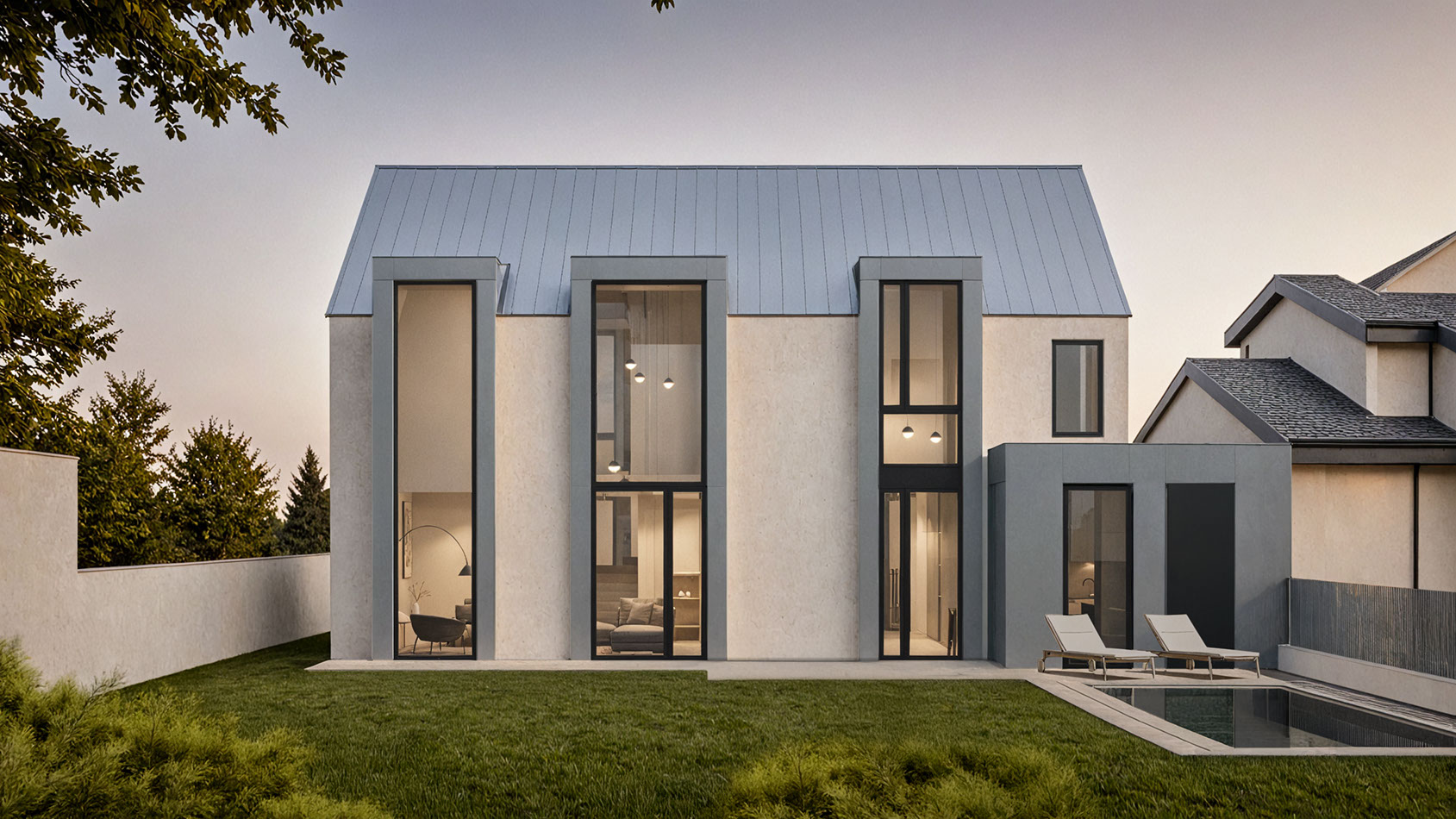
 3Refine every detail
Perfect Every Detail - change materials, render variations and upscale details.
Why leading architecture firms are using Rendero?
-

"Being able to skip the step of adding materials to a rendering is unbelievable. Thanks to Rendero, my workflow goes straight from a white-model render to a beautiful, photograph-like image in seconds. It's a profound shift in the way I work."
Rajah Bose
Principal Architect at studioBOSE
10ximage in seconds -

"Rendero.ai completely transformed our workflow! The AI-powered rendering tool is not only lightning-fast but also delivers stunningly realistic results."
Ana @ Filippo Agel
Architects of MUAC.studio
3xfaster visualizations
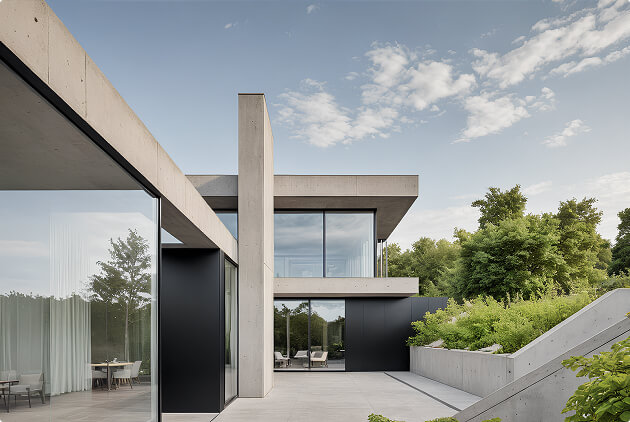
Join our creative community
Get inspired and inspire others
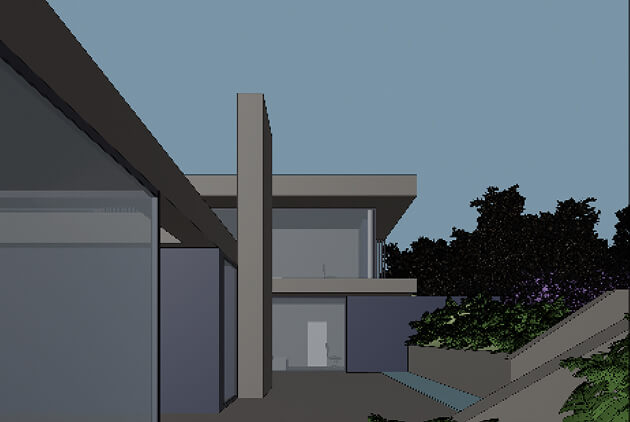
-
input
-
Rendero magic
-
output
Choose from plans that evolve with your projects
-
Free
Try Rendero for free.
Explore the basics, test the workflow, and create your first AI powered images without commitment.0$/ month per person
Try for free-
20 images
-
100 credits
-
-
Lite
Start creating with Rendero.
For a few images per month, student concepts, and early visual ideas. Simple enough to get moving.19$/ month per person
Upgrade to Lite-
100 images
-
300 credits
-
-
Starter
For first real projects.
A balanced plan for regular creative work, early client visuals, and concept development.39$/ month per person
Get started-
250 images
-
700 credits
-
-
StudioRecommended
For architects and studios.
Built for multiple projects, presentations, and design iterations with more room for serious workflows.99$/ month per person
Upgrade to Studio-
850 images
-
2,500 credits
-
-
Pro
For high volume rendering.
Made for teams and power users who need more images, credits, and room to experiment every day.299$/ month per person
Go Pro-
3,200 images
-
9,000 credits
-
Frequently asked questions
Find quick answers to common questions about Rendero.ai's features, pricing, and workflow integration.
-
How can Rendero.ai improve my architectural visualization workflow?Rendero.ai dramatically accelerates the architectural visualization workflow by replacing time-consuming manual rendering steps with AI automation.
Instead of spending hours on lighting, materials, and render settings, you can:
• upload a sketch, clay render, or base 3D image
• add a short text description
• optionally include reference images or segmentation maps
Rendero’s AI takes care of lighting, realism, atmosphere, and visual style—delivering high-quality architectural and AI interior renderings in minutes.
This allows you to focus on design decisions, creativity, and client communication. -
How much does Rendero.ai cost?
Rendero.ai offers flexible pricing plans designed for different professional needs.
Pricing plans:
Free – $0/month
Try Rendero for free. Explore the basics, test the workflow, and create your first AI powered images without commitment.
Lite – $19/month
Start creating with Rendero. For a few images per month, student concepts, and early visual ideas.
Starter – $39/month
For first real projects. A balanced plan for regular creative work, early client visuals, and concept development.
Studio – $99/month
For architects and studios. Built for multiple projects, presentations, and design iterations.
Pro – $299/month
For high volume rendering. Made for teams and power users who need more images, credits, and room to experiment.
Each plan includes monthly rendering credits, cloud-based architectural rendering, and access to Rendero’s AI-powered tools.
Credits scale with the plan, allowing seamless growth from experimentation to full production. -
Does Rendero.ai offer cloud storage?
Yes. Rendero.ai includes secure cloud storage for all projects, renders, and reference files.
Your data is:
• automatically saved and backed up
• accessible from any device after login
• securely stored on professional cloud infrastructure
This makes Rendero.ai suitable for both individual creators and collaborative studio environments. -
How fast is Rendero.ai compared to traditional rendering?
Rendero.ai is built for fast architectural rendering and rapid iteration. Thanks to cloud-based AI rendering, most visuals are generated in seconds to a few minutes, depending on complexity.
Compared to traditional rendering engines, Rendero enables:
• instant concept visualization
• faster client feedback rounds
• quick design iterations during deadlines or meetings
This makes Rendero.ai ideal for architecture studios, competitions, real estate marketing, and high-pressure workflows. -
How secure is my data on Rendero.ai?
Data security and privacy are a top priority. Rendero.ai uses:
• encrypted data transfer and storage
• regular automated backups
• secure authentication and account protection
All systems are GDPR-compliant, ensuring professional-level privacy for internal designs, client projects, and confidential materials.